
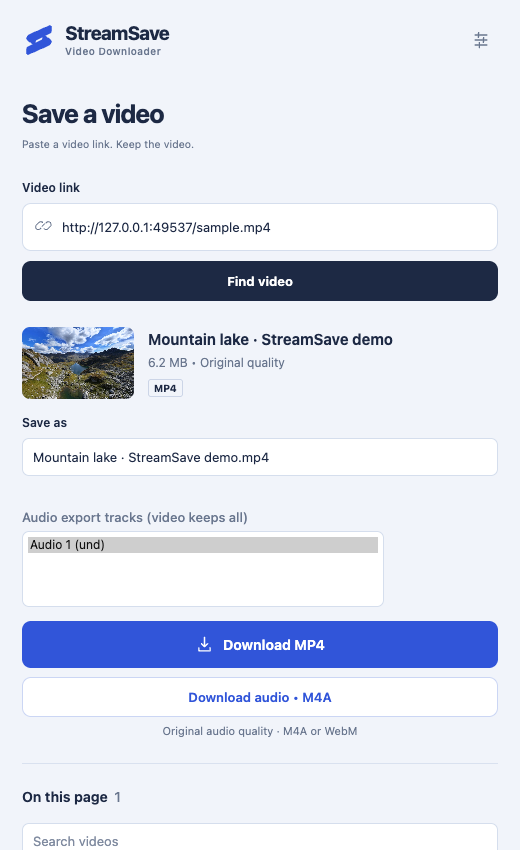
Download video without losing quality.
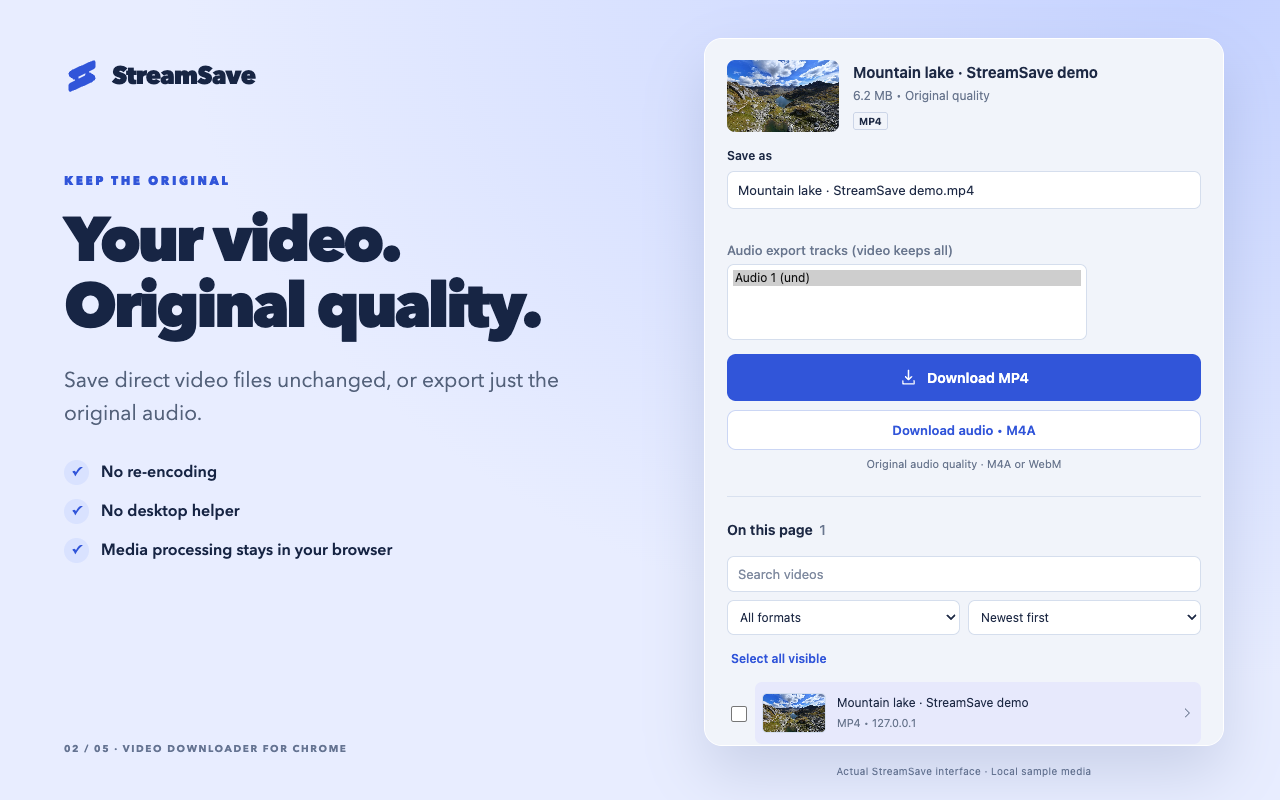
Direct MP4 and WebM files stay unchanged. Supported streams are packaged into a compatible file without re-encoding.
See format support StreamSave
Video downloader for Chrome
Save supported videos from the web, keep the original audio, or record a live stream. All from a small panel in Chrome.
No account. No uploads. Original quality.
Save the whole video or just what you need.
The original quality comes with it.
Direct MP4 and WebM files stay unchanged. Supported streams are packaged into a compatible file without re-encoding.
See format support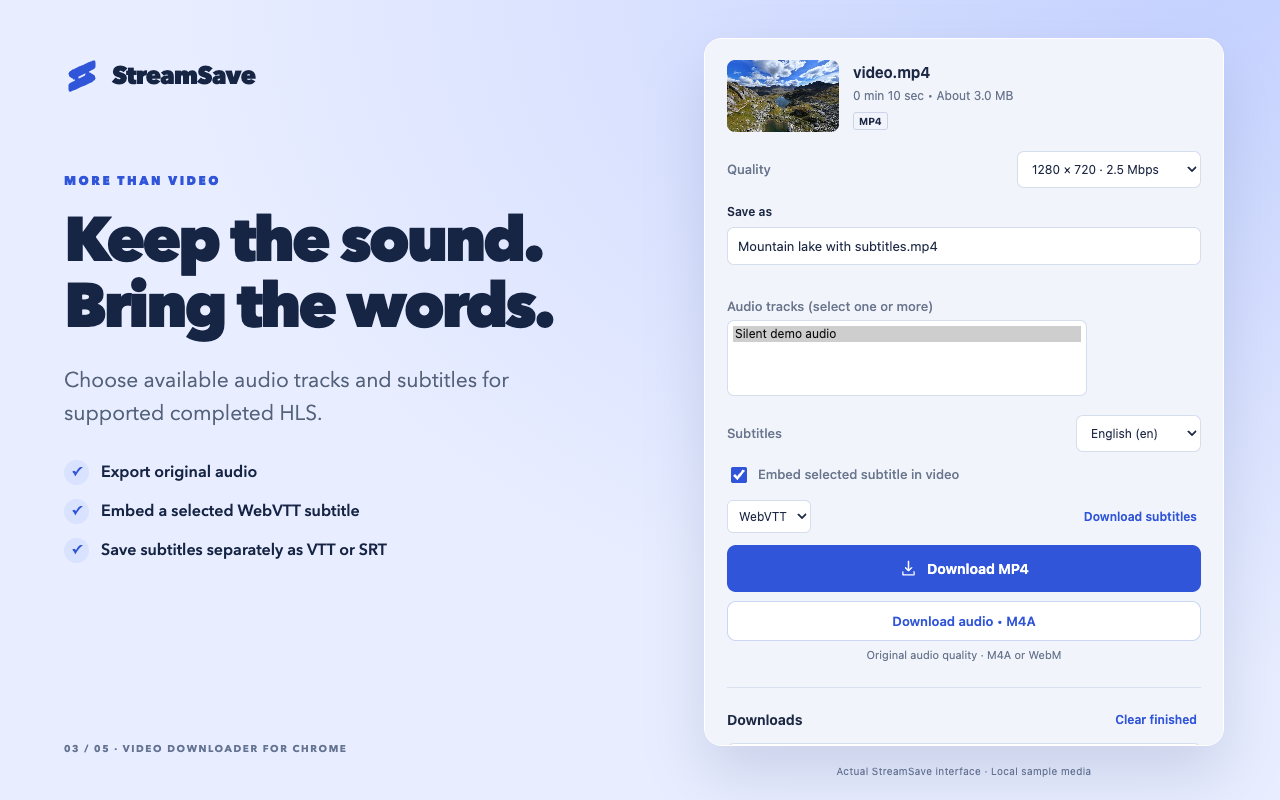
Export original audio, choose up to eight available tracks, and save completed HLS subtitles as VTT or SRT. Embed a selected WebVTT subtitle when the output supports it. No MP3 conversion.
Explore tracks and subtitlesRecord unencrypted live HLS and stop when you’re ready. Supported interrupted captures can recover segments already saved locally. Keep Chrome running and your device awake.
Read recording and recovery limits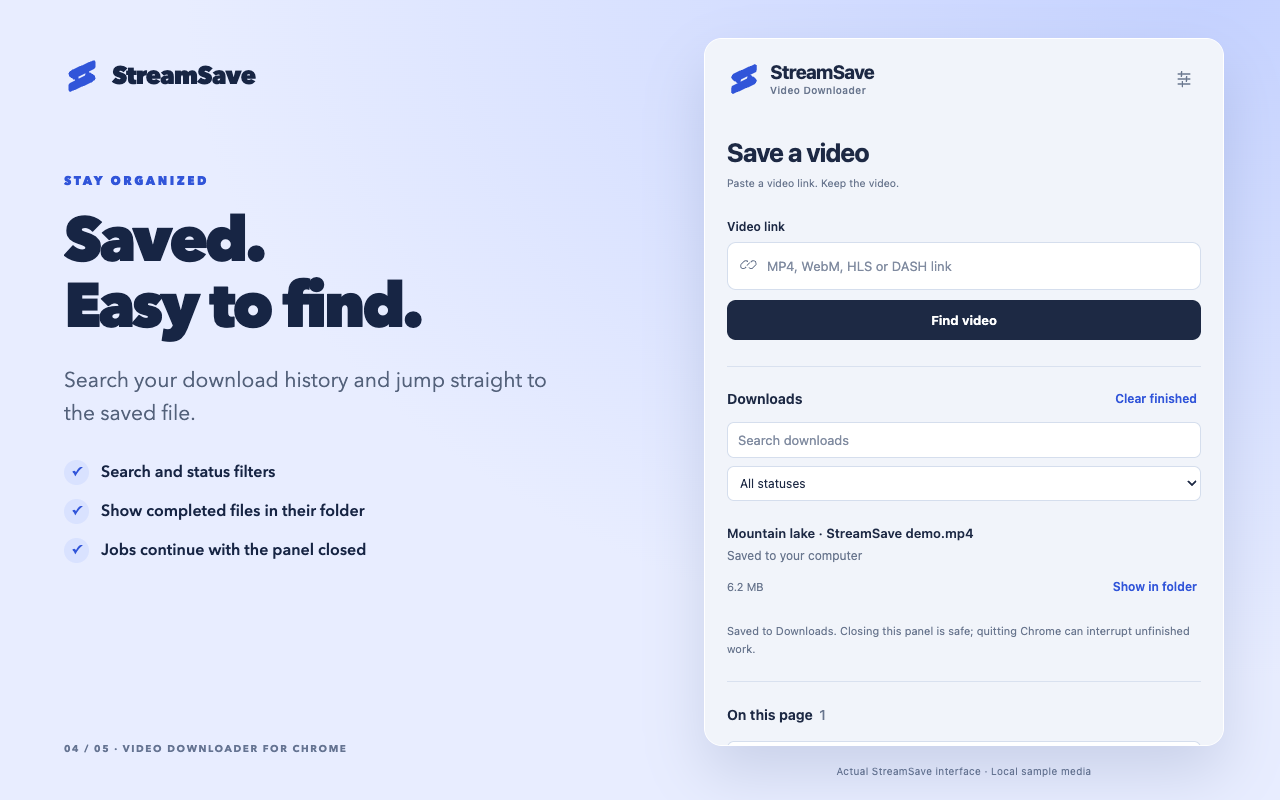
Queue videos, search your history, and open completed files in their folder. Set your preferred quality and run up to 10 jobs at once.
Get help with downloadsYour videos don’t take a detour through our servers. StreamSave requests media directly from the source and processes it locally in your browser.
How we handle your dataPlay it on its website and open StreamSave. Choose a detected video, or paste a direct media link.
Choose the available quality, audio tracks, subtitles, and a name you’ll recognize.
Download to your computer. Close the panel if you like—your job keeps running in Chrome.
Support depends on the media format, website access, and source codecs. StreamSave doesn’t bypass DRM or encryption.
Full compatibility guideOriginal files and audio export
SupportedVideo, audio, and WebVTT subtitles
SupportedSupported static, single-period MP4 layouts
Selected formatsUnencrypted, complete media segments
RecordingNot supported
UnavailableNo. StreamSave works with supported media formats when Chrome and the source website allow access. DRM, encrypted streams, and some layouts aren’t supported. Only save media you own or have permission to download.
StreamSave does not re-encode. Direct video files are preserved, and supported stream tracks are copied into a compatible container. The selected quality comes from what the source offers.
Yes. Downloads and recordings continue with the side panel closed. Keep Chrome running and your device awake; quitting Chrome can interrupt unfinished work.
For supported HLS and fully segmented DASH captures, you can save usable segments already stored locally—even after a browser restart if the data survives. Recovery cannot recreate missing media or resume an uncaptured live broadcast.
No. Audio export keeps the original encoding. The saved format depends on the source and compatible container, such as M4A or WebM.
No media is uploaded to StreamSave. Downloads go directly from the source website to your browser, where processing happens locally. Your source website still receives normal media requests.
Free on the Chrome Web Store. For desktop Chrome 116+.